




Description
Download Advanced English Dictionary and Thesaurus APK – English dictionary, thesaurus, word definitions, vocabulary builder, word of the day, free dictionary app, Android app, word explorer, language learning, word meanings
Overview
Advanced English Dictionary and Thesaurus is a dedicated Android application designed for individuals seeking to expand their vocabulary and deepen their understanding of the English language. The app provides access to nearly 1.5 million word definitions, making it a comprehensive reference tool for learners, writers, students, and language enthusiasts. Its primary purpose is to support users in mastering word meanings, usage, and synonyms through an intuitive and visually engaging interface. The software is especially beneficial for those involved in academic writing, creative expression, or language acquisition who require accurate and context-rich definitions.
Real-world applications include daily vocabulary building, improving writing clarity, and enhancing communication skills. The inclusion of visual aids such as photos to illustrate meanings adds a layer of contextual understanding beyond traditional text-based explanations. Features like "Word of the Day" encourage consistent engagement and help users integrate new vocabulary into everyday usage. While the app is tailored for Android users, those on other platforms will need to seek alternative tools. The developer, WordLovers Inc., has focused on creating a lightweight, accessible experience suitable for a wide range of devices, including older models.
Key Features & Capabilities
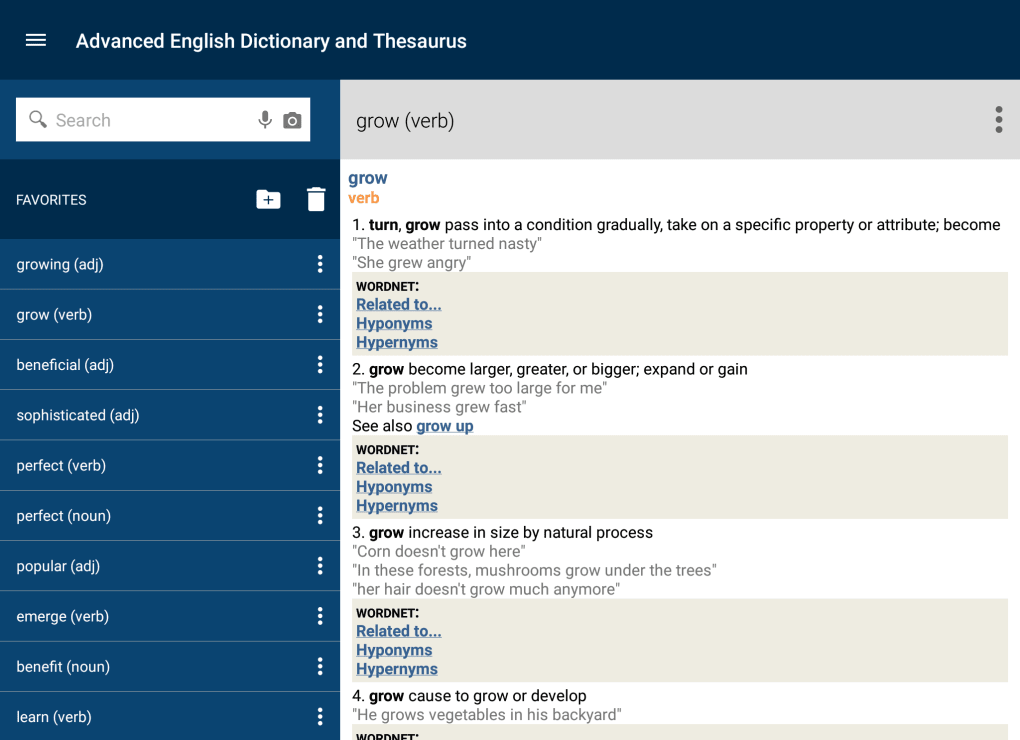
- Comprehensive Word Database: Access to nearly 1.5 million English word definitions, covering modern and classical usage across various domains.
- Visual Learning Support: Integration of images to illustrate meanings, enhancing comprehension through visual context.
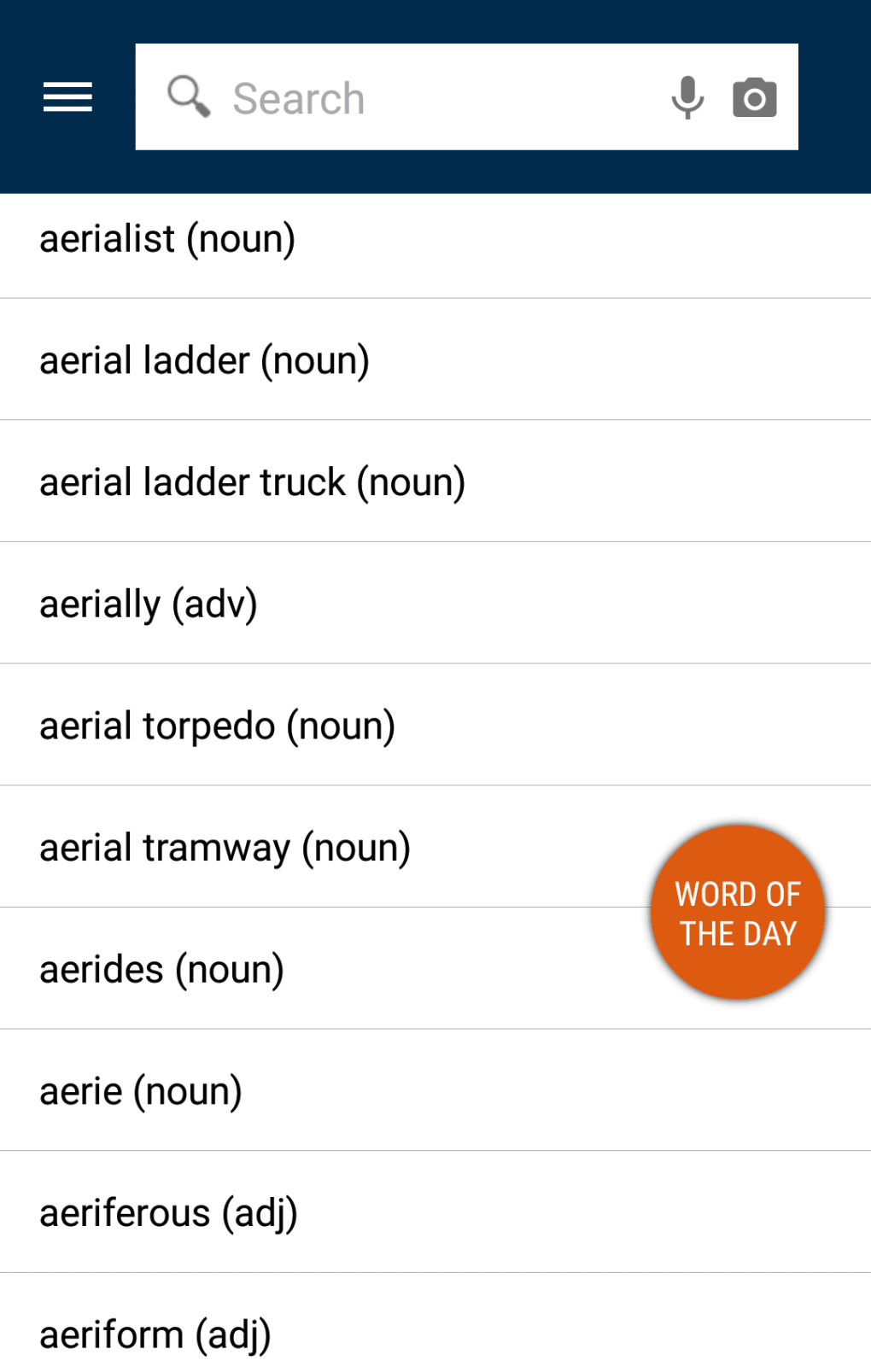
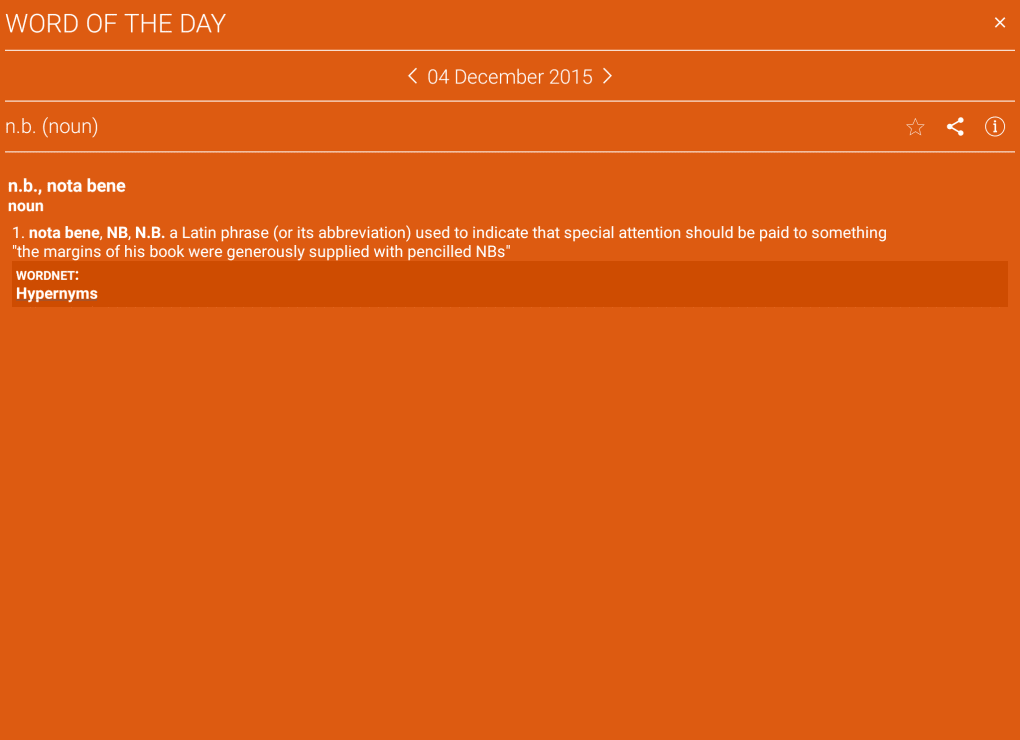
- Word of the Day: Daily curated word display with definition, example sentence, and usage tips to promote consistent learning.
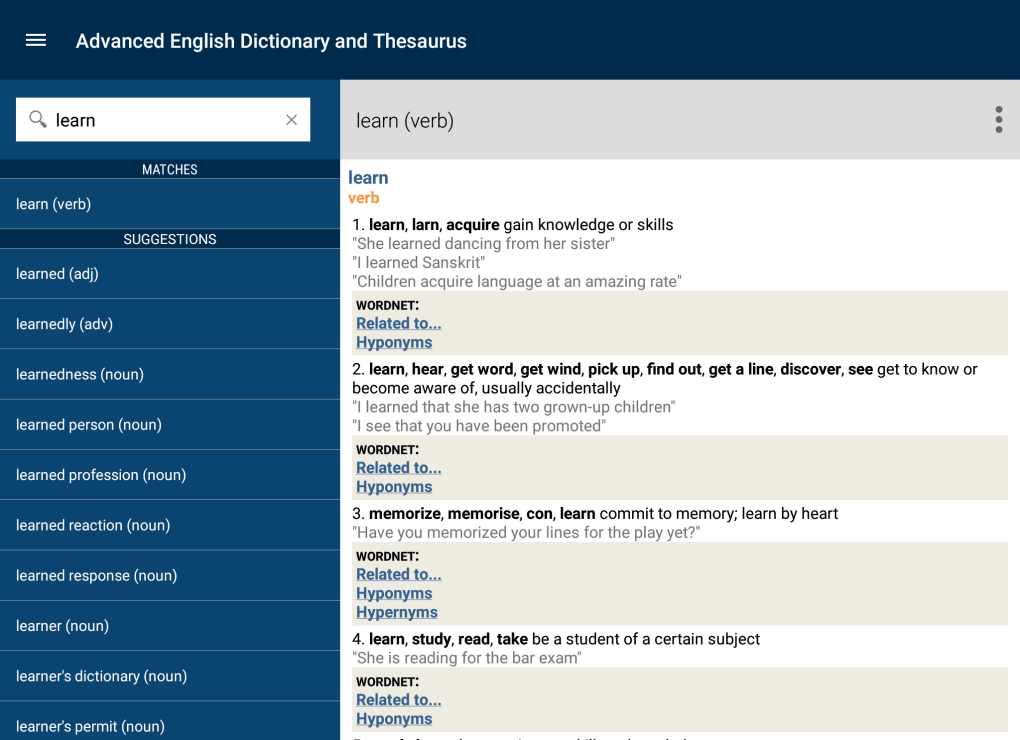
- Thesaurus Integration: Instant access to synonyms and related terms, supporting improved word choice in writing and speech.
- Lightweight Design: Optimized for performance on older Android devices with minimal resource consumption.
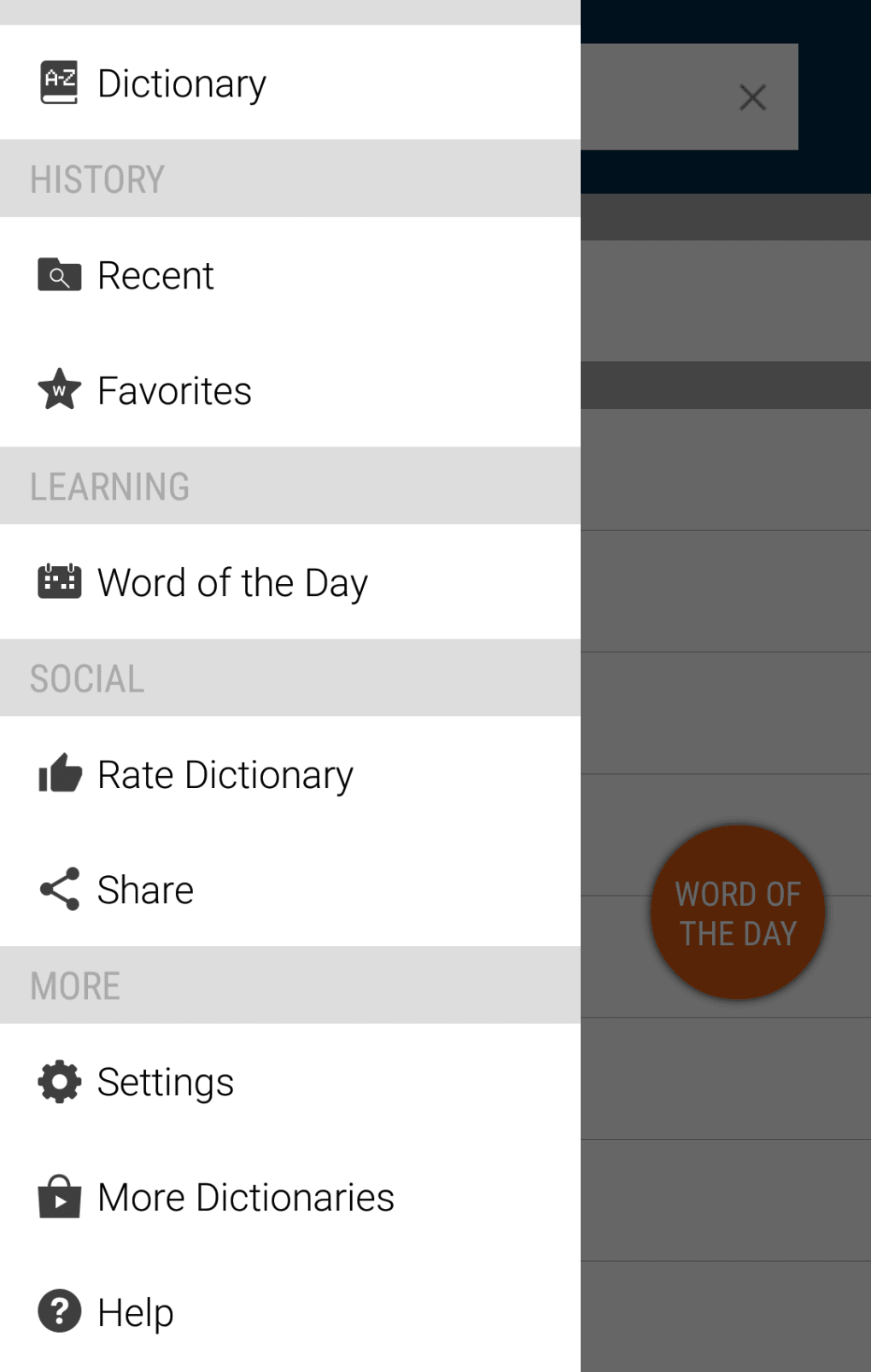
These features are particularly effective for language learners who benefit from repeated exposure and contextual examples. Writers can use the thesaurus function to avoid repetition and enrich their prose. The visual component supports users who learn better through imagery, making abstract concepts more tangible. The "Word of the Day" feature fosters habit formation, turning vocabulary building into a daily routine. Users can explore words in depth, saving favorites or tracking progress over time. The app’s focus on accessibility ensures that even users with limited technical expertise can navigate and utilize its core tools effectively.
User Interface, Workflow & Performance
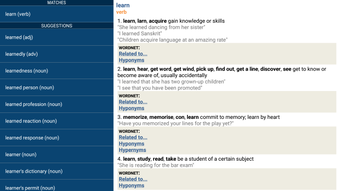
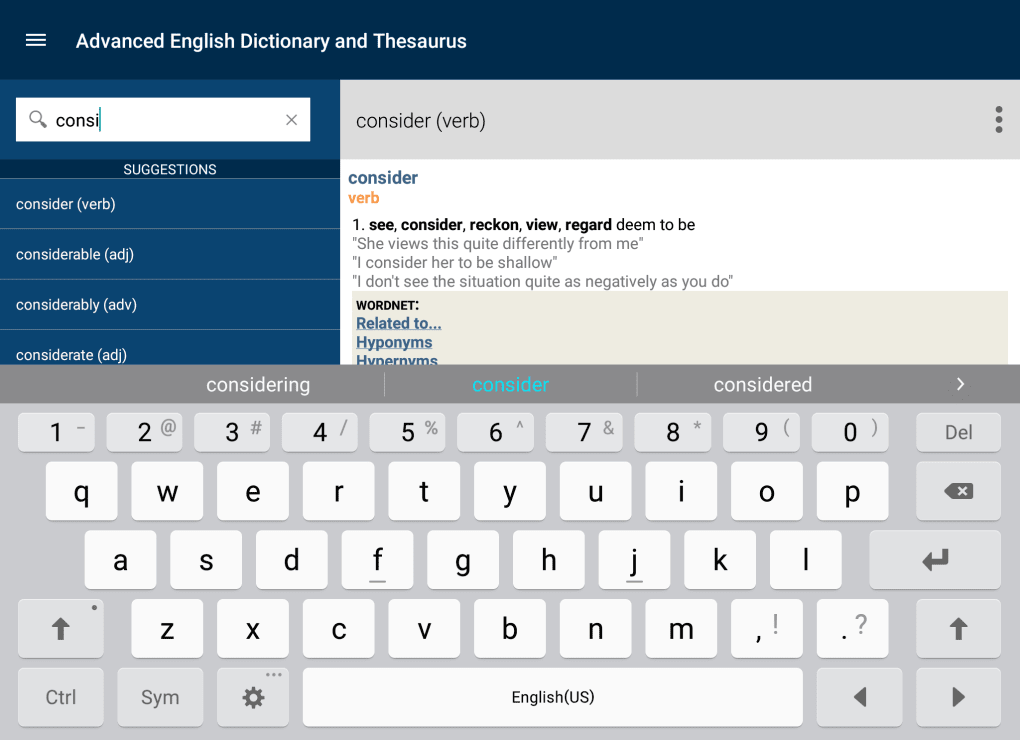
The user interface of Advanced English Dictionary and Thesaurus is described as smart and slick, with a warm and welcoming design. Navigation appears to be straightforward, allowing users to search for words quickly and access definitions, synonyms, and visual examples without unnecessary steps. The layout is optimized for touch interaction, making it suitable for mobile use. While specific details about interface structure or workflow efficiency were not provided, the app’s lightweight nature suggests smooth responsiveness across a range of Android devices.
Performance observations are based on general software behavior patterns. The developer did not specify resource usage details, but the 45 MB installation size indicates a low footprint. This suggests efficient memory and CPU usage, which is beneficial for older or low-end devices. Stability is implied by the app’s focus on usability and accessibility, though exact crash rates or update frequency were not disclosed. The app appears designed for consistent, reliable operation during regular use, with no indication of known performance bottlenecks.
Compatibility & System Requirements
Advanced English Dictionary and Thesaurus is available exclusively for the Android operating system. The current version is 3.5.2, released on March 15, 2024. The installation size is 45 MB, which is considered small for a full-featured dictionary and thesaurus application. This suggests the app is optimized for storage efficiency and fast installation.
Exact system requirements were not listed. Compatibility information is limited to the Android platform. The developer did not provide details on minimum Android version, RAM, or processor specifications. It is noted that the app is lightweight and suitable for older devices, but specific hardware compatibility ranges remain unspecified. Users are advised to ensure their device supports Android applications and has sufficient storage space for the 45 MB file.
Pros and Cons
Pros
- Access to nearly 1.5 million word definitions and synonyms
- Visual illustrations enhance understanding of word meanings
- Engaging "Word of the Day" feature promotes daily learning
- Lightweight design suitable for older or low-end Android devices
- Free to download and use with no in-app purchase prompts mentioned
Cons
- Available only on Android; no support for iOS, Windows, or Mac
- Exact system requirements not specified
- No information on offline functionality or data usage
- Visual content may not be available for all words
- Limited information on update frequency or developer support
FAQ Section
Is Advanced English Dictionary and Thesaurus available for iOS devices?
The app is currently designed exclusively for the Android platform. Users on iOS devices will need to find an alternative solution.
Can I use the app offline?
Information regarding offline access was not provided. The app may require internet connectivity for full functionality, though it could support offline use depending on content caching.
Is the app safe to download and install?
As a free Android application from WordLovers Inc., it is available through official app distribution channels. Users should ensure downloads are from trusted sources to maintain security.
How often does the app receive updates?
The release date of version 3.5.2 was March 15, 2024. Specific update frequency was not disclosed by the developer.
What type of license does the app use?
The app is free to download and use, with no mention of subscription models or in-app purchases. It operates under a free-to-use license.
Final Thoughts
Advanced English Dictionary and Thesaurus stands out as a valuable, accessible tool for anyone aiming to strengthen their English vocabulary. Its extensive word database, visual learning aids, and daily engagement features make it a practical companion for students, writers, and language learners. The lightweight design ensures broad accessibility, particularly on older devices. While platform exclusivity to Android and limited technical details are notable drawbacks, the app delivers strong value for its free price point. For Android users committed to language growth, this is a must-have utility.
Download Advanced English Dictionary and Thesaurus now
Guides & Tutorials for Advanced English Dictionary and Thesaurus APK
How to install Advanced English Dictionary and Thesaurus APK
- Click the Preview / Download button above.
- Once redirected, accept the terms and click Install.
- Wait for the Advanced English Dictionary and Thesaurus APK download to finish on your device.
How to use Advanced English Dictionary and Thesaurus APK
This software is primarily used for its core features described above. Open the app after installation to explore its capabilities.
User Reviews for Advanced English Dictionary and Thesaurus APK 0
No reviews found





